If you need a display typeface that balances retro charm with a raw, worn texture, the Modern Vintage Font is built for that exact purpose. It pairs tall, condensed letterforms with authentic grunge details so your headlines stand out without looking overly digital. Designers, print-on-demand sellers, and small business owners often choose this style when they want packaging, posters, or apparel graphics to feel handcrafted and timeless. You get a rugged look that still keeps your message readable, which is exactly what you need when working on tight deadlines or limited print space.
Why choose a distressed display typeface for commercial projects?
When your work relies on catching attention in a crowded market, texture does most of the heavy lifting. The uneven edges and worn surfaces in this typeface add immediate character to flat layouts. Unlike clean sans serifs that can feel sterile, a grunge aesthetic brings a tactile quality that resonates with buyers who value authenticity. Crafters especially benefit because the texture mimics screen printing, stamping, or vintage advertising. It saves you from having to manually apply distress overlays, which can cut hours off your design workflow.
Where does this typography fit best in your creative layout?
This font shines in large-scale applications where the letterforms have room to breathe. You can pair it with minimalist backgrounds to let the worn details take focus, or layer it over muted, earthy color palettes. It works exceptionally well for:
- Branding and logos for coffee shops, breweries, or artisanal goods
- Apparel graphics that need a retro, streetwear, or band-tee vibe
- Event posters where quick readability and strong visual hierarchy matter
- Packaging labels that require a hand-stamped or aged paper feel
Because the characters are condensed, you can fit longer phrases into narrow spaces without reducing the font size too much. This makes it practical for t-shirt placements, side panels, or social media banners where space is tight but impact matters.
How do you pair grunge headers without cluttering the design?
While display faces handle your main headlines, pairing them with simpler text styles keeps your layout balanced. If you are working on a playful campaign, you might explore rounded alternatives like Glossy Bubble for a contrasting, lighthearted vibe. For projects leaning toward rustic branding, a warmer serif option such as The Pickles House family often complements rough headers without competing for attention. When you need a softer touch for casual merchandise, consider testing Super Bubble as a secondary accent.
Layouts built around western or outdoor themes pair nicely with blockier choices like Cowboy Block, while editorial spreads benefit from more understated typography such as Remember Things. Mixing one of these with your main title keeps the composition layered and readable.
How do you keep distressed text readable on printed materials?
Heavy texture can sometimes cause ink bleeding or loss of detail, especially on porous paper or cotton fabric. To maintain clarity, stick to a minimum size that allows the inner counters of letters like “a,” “e,” and “o” to stay fully open. Use high-contrast color combinations dark charcoal or navy on cream, off-white, or kraft backgrounds work exceptionally well. Pro tip: If your design software supports layer blending, reduce the opacity of the grunge overlay slightly to preserve crisp edges.
For reference on preparing print-ready files, you can review standard typography handling at Modern Vintage Font to see how other creators manage resolution and color profiles before exporting.
What licensing details should you check before selling products?
Most professional display typefaces arrive as OTF or TTF files, ensuring smooth performance across macOS, Windows, and major apps like Illustrator or Procreate. Always read the commercial license before uploading artwork to third-party marketplaces. Some creators allow unlimited physical sales but restrict digital template resale. When in doubt, keep a copy of your purchase receipt and verify the exact terms for merchandise, client work, and bulk printing.
Quick steps to finalize your project files
- Install the font package and restart your design software to prevent missing glyph warnings.
- Print a scaled test sheet at actual size to verify legibility and edge sharpness.
- Adjust tracking slightly if distressed fragments overlap too closely on tight kerning.
- Save a layered backup before rasterizing or converting to print formats.
- Confirm your license covers the specific sales channels you plan to use.
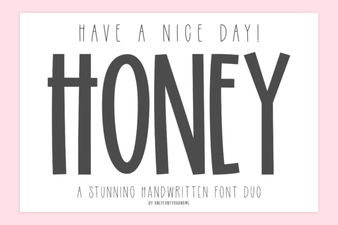 Have a Nice Day Honey Font Design Inspiration
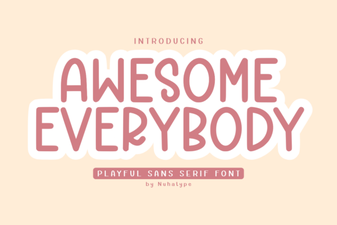 Awesome Everybody Font: Design Tips and Project Ideas
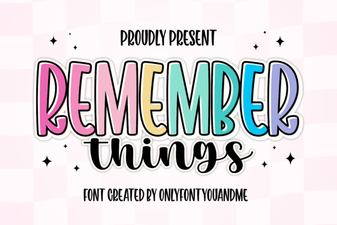 Creative Design Ideas Using Remember Things Font
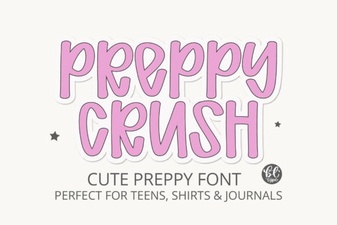 Preppycrush Font: Design Tips & Creative Project Ideas
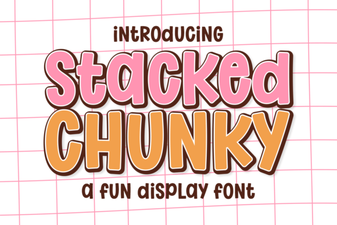 How to Use a Stacked Chunky Font in Modern Design
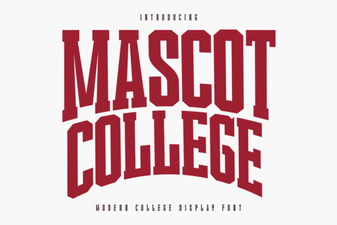 Elevate Your Designs with Mascot College Font